
Create a product
The product is where everything starts. SOP processes and work orders all belong to a product. This page covers how to add a product and what limits apply.
Steps
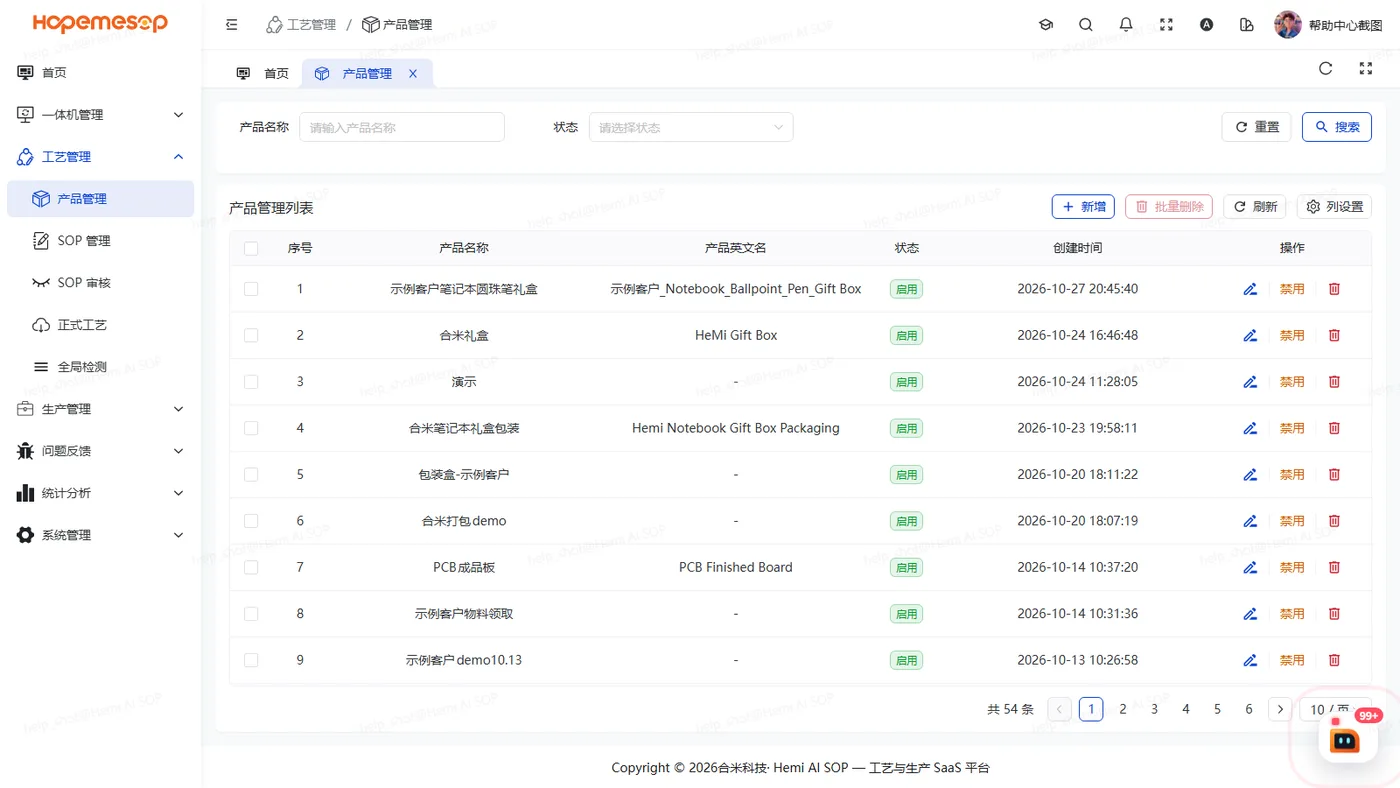
- Open 工艺管理 (Craft) › 产品管理 (Product).
- Click 新增 (Insert).
- Fill in the product name and description. If needed, fill in the product's English name. Submit.
Field rules
| Field | Notes |
|---|---|
| Product name | Required, up to 20 characters, must be unique |
| Description | Up to 500 characters |
| Product English name | Optional. Shown when the workstation is switched to the English interface |
Notes
A product in use cannot be deleted
A product already used by an SOP or a work order cannot be deleted. This is on purpose, so SOP processes and work orders never lose their product.